One image, from saved to found.
Follow one real picture through a real library: how it came in, what Teserra reads in it, how it comes back when you describe it, and where it lives on your disk.

1 · Save
You save it once, from wherever you are.
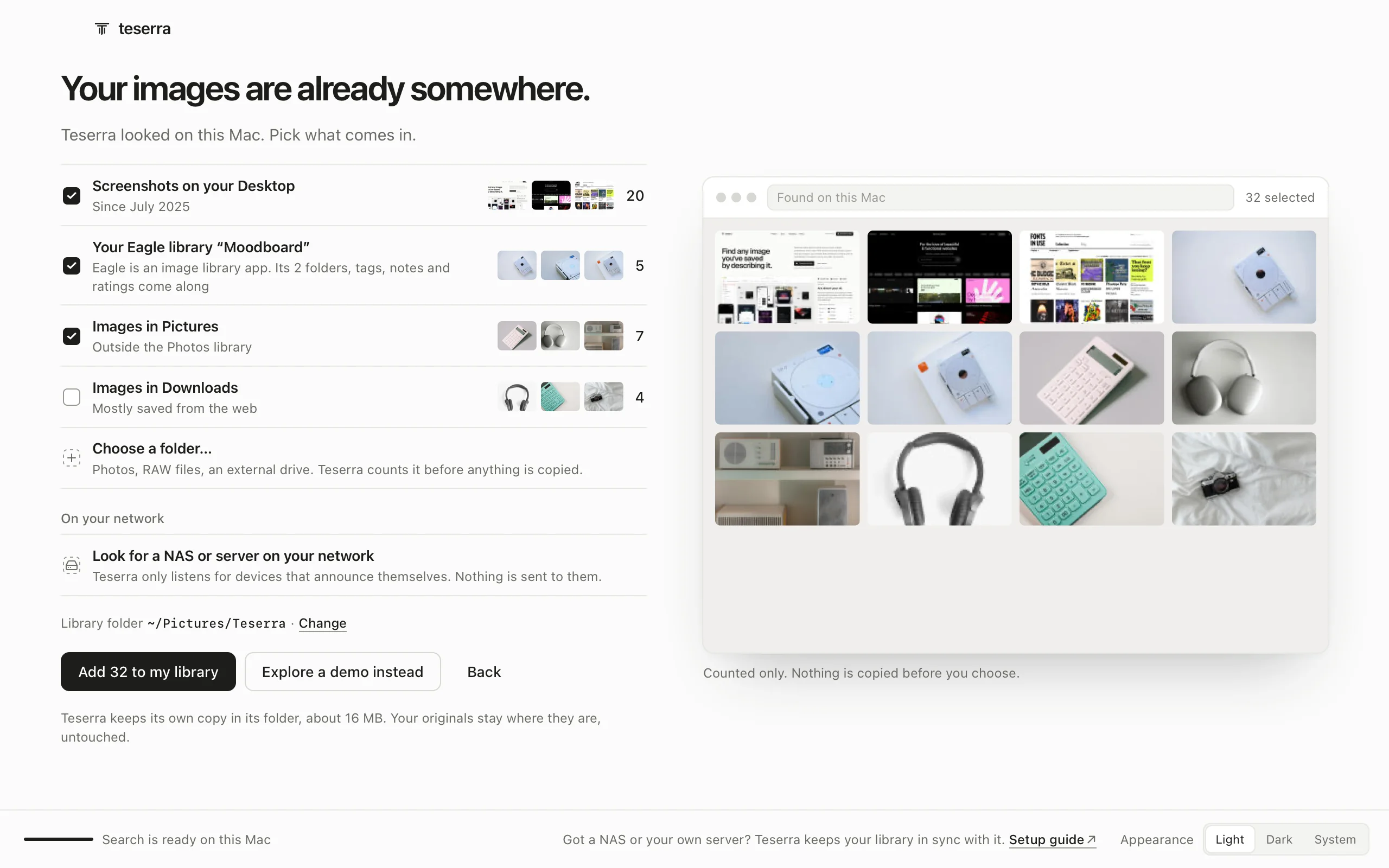
This one was pasted on 15 June. Pictures come in six ways, and none asks you to rename, sort or tag first.
- In your browser⌥clickOption-click any image or video (free extension). It keeps its web address.
- Anywhere on your Mac⌘⇧MCapture an area of the screen. A small bar lets you drag it, copy it or file it.
- From the clipboard⌘VPaste an image, or a link that becomes a card or an article. This one came in that way.
- From the FinderDrop files or a whole folder on the grid, or File → Import Folder….
- On your iPhoneShare from any app to Teserra for iPhone (public beta). It lands in your library.
- From EaglePoint Teserra at your .library folder: folders, tags, notes and palettes come along. Images only for now.
Nothing to save yet? Where to find pictures worth keeping, by what you make.
2 · Read
Teserra reads it, on your Mac.
As it comes in, the picture gets a thumbnail, a palette and a place in the visual index. Then it can get words. Point at a line to see where it sits on the real card.
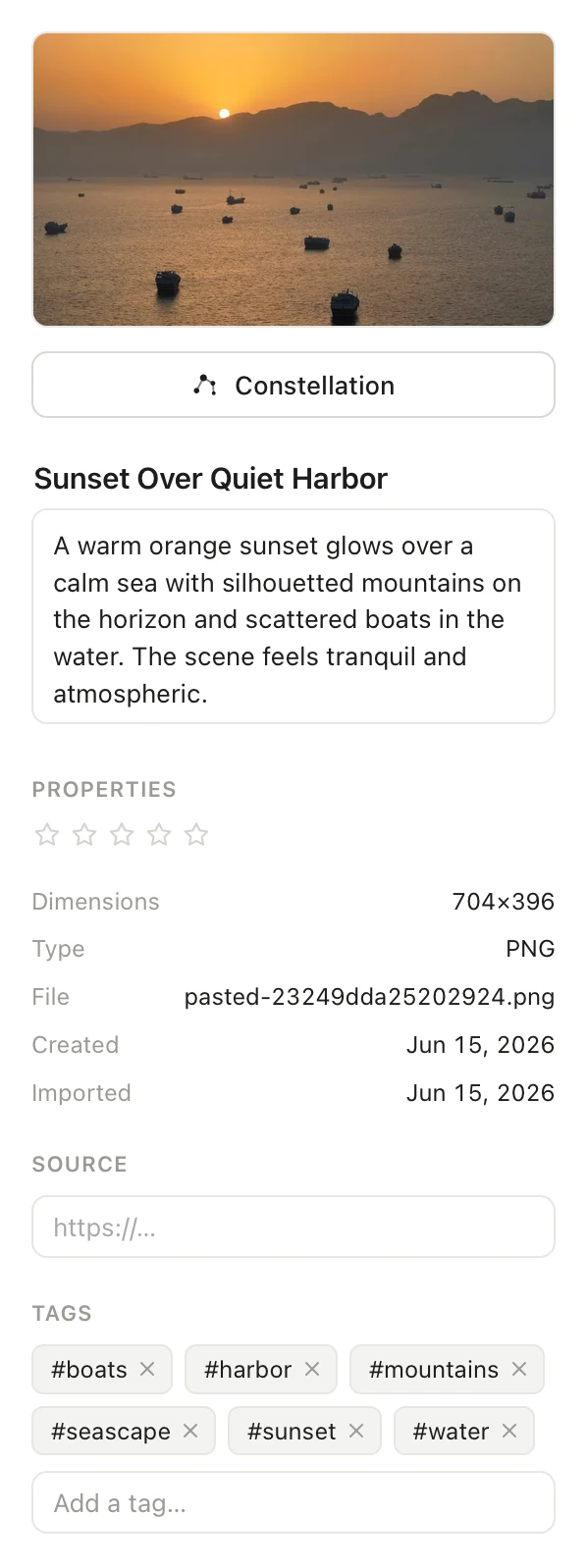
#e0a040#a06040#806040#604040#404040The visual index runs on a 300 MB model, downloaded once when you turn on Visual search. The words are optional: search finds the picture without them.
3 · Find
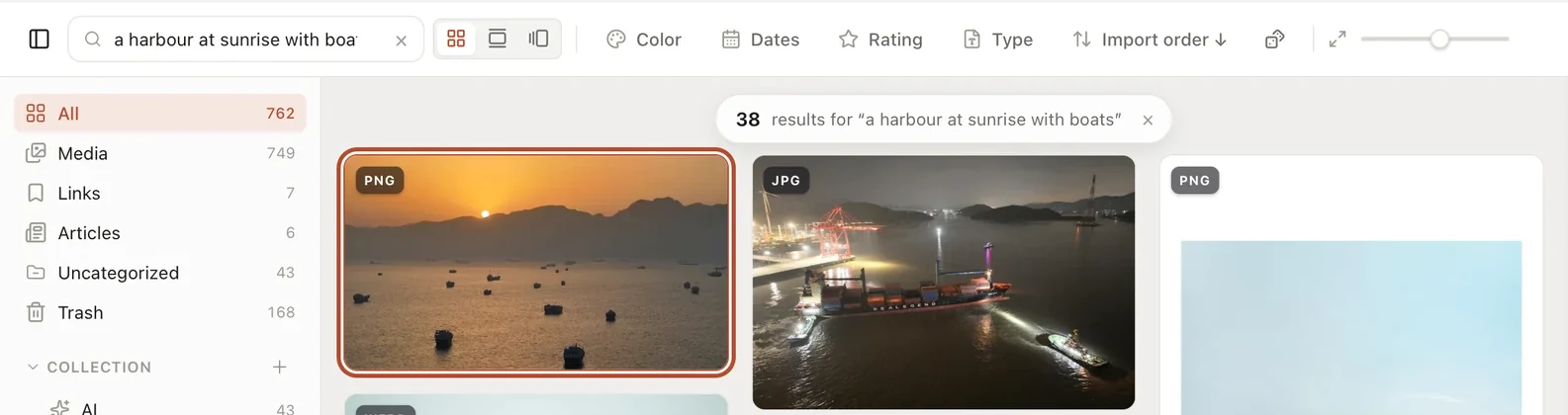
Months later, you describe it and it comes back first.
Its file is called pasted-23249dda25202924.png. You type what you remember, “a harbour at sunrise with boats”, and it leads 38 pictures.
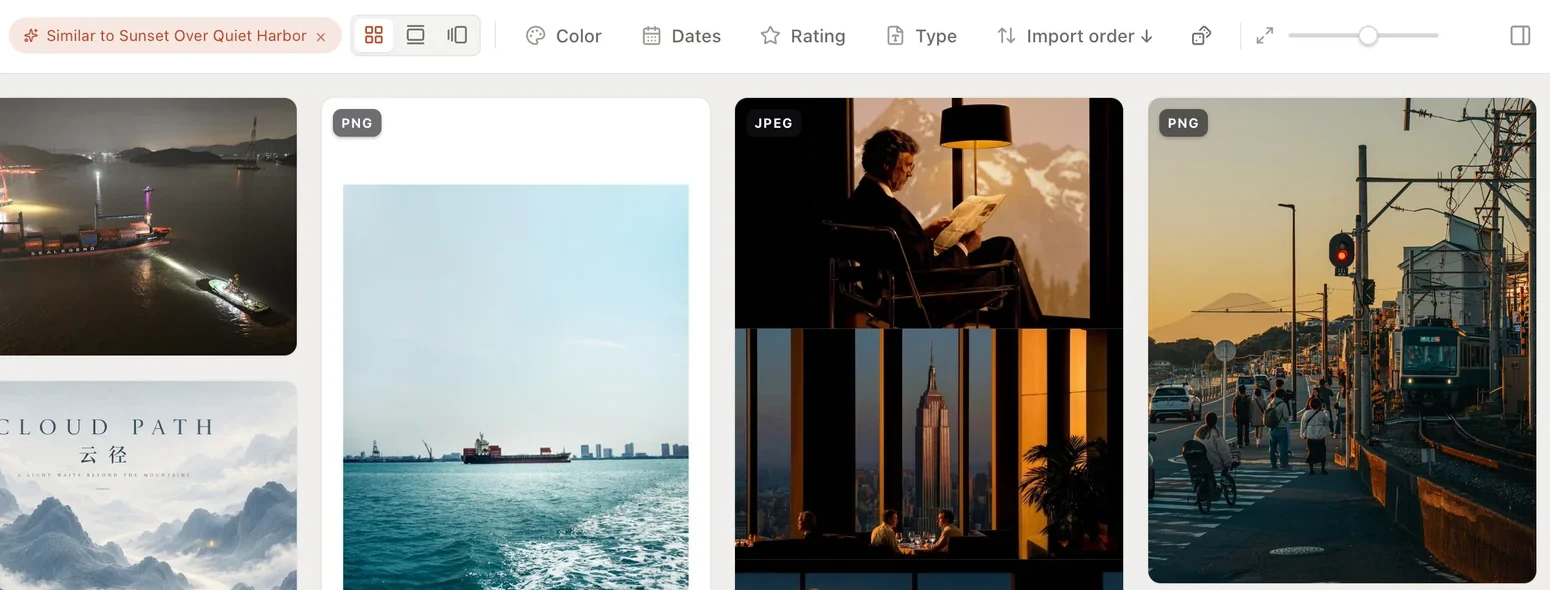

Or filter by colour, by date, by type or by stars, and pick three images: Teserra finds the others in your library with the same colours and mood.
4 · Keep
It stays a file you own.
The picture is an ordinary PNG in your library folder, and what Teserra knows about it sits in a small text note beside it. Open it in the Finder, read the note in ten years, take both to another app.
23249dda25202924.png262 KBPNG imageLibrary › originals › 23
23249dda25202924.png.teserra
title = "Sunset Over Quiet Harbor"
description = "A warm orange sunset glows over a calm sea with
  silhouetted mountains on the horizon and scattered boats in
  the water. The scene feels tranquil and atmospheric."
tags = ["boats", "harbor", "mountains", "seascape", "sunset", "water"]
added = "2026-06-15T13:57:21Z"
collections = ["c-48f234233efb057c"]

[file]
width = 704
height = 396
format = "png"
On your other Macs and on your iPhone, the same library follows. Keep it in iCloud Drive and there is nothing to set up, or on a server or NAS you already have. Where your library can live
5 · Hand over
Optional · only if you build with Claude Code, Cursor or Codex · off by default
Your AI coding tool can ask for it too.
Turn on Agent access, and your coding tool reads the same library through a local MCP server. Asked for this picture, it gets the picture and everything written about it: this answer is real.
{
  "id": 680,
  "title": "Sunset Over Quiet Harbor",
  "description": "A warm orange sunset glows over a calm sea…",
  "tags": ["boats", "harbor", "mountains", "seascape", "sunset", "water"],
  "colors": ["#806040", "#604040", "#404040", "#a06040", "#e0a040"],
  "collections": [{ "name": "Photography" }],
  "width": 704, "height": 396, "kind": "image"
}
Save it once. Find it by describing it. Keep it as a file.
14-day free trial, then $29 once · Apple silicon, macOS 12+