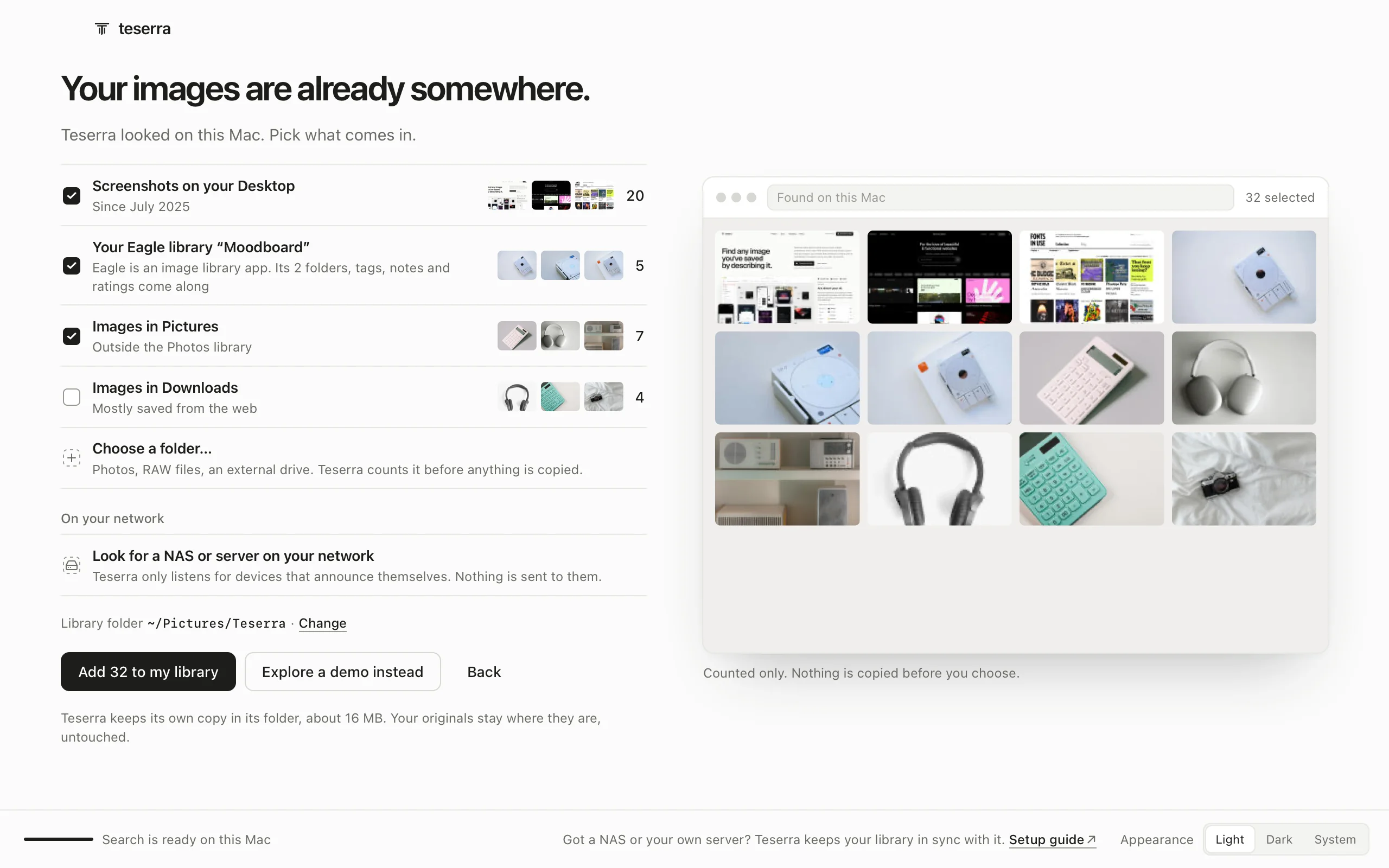
Art-direct your AI.
Claude Code, Cursor and Codex default to the same look. Teserra hands them your references instead: a Mac library they read through a local MCP server, off by default, connected with one access token the app gives you.
14-day free trial, then $29 once · Apple silicon, macOS 12+
Claude CodeCursorCodexand other MCP clients
1Prompt only
2The style brief it was given
Dark Futurism · style brief
Night-shift instruments and lone figures in burning haze: a near-black world where one warm light does all the work.
- Background
#0B0B0B~70% - Surface
#1C1C1C~20% - Text
#EDEDED~7% - One warm accent
#F5A524≤3%
Type Geist or Inter 500 to 600, tracking −2 to −4%; labels in mono, 11 to 12px
Layout One panel floating in a wide black field, or a widget grid; 8px grid, cells split by 1px dividers
Shapes Radius 0 for mono, 10 to 12px for cards; no drop shadows, no glow
Avoid
- Indigo/violet halos, blue-purple gradients
- Light mode or saturated navy backgrounds (#0F172A)
- Two accent hues at once; rainbow charts
- Soft-shadow cards with 16 to 24px radius, glassmorphism, emoji or 3D icons
- Gradient text, centered hero over three feature cards, stock photos of people
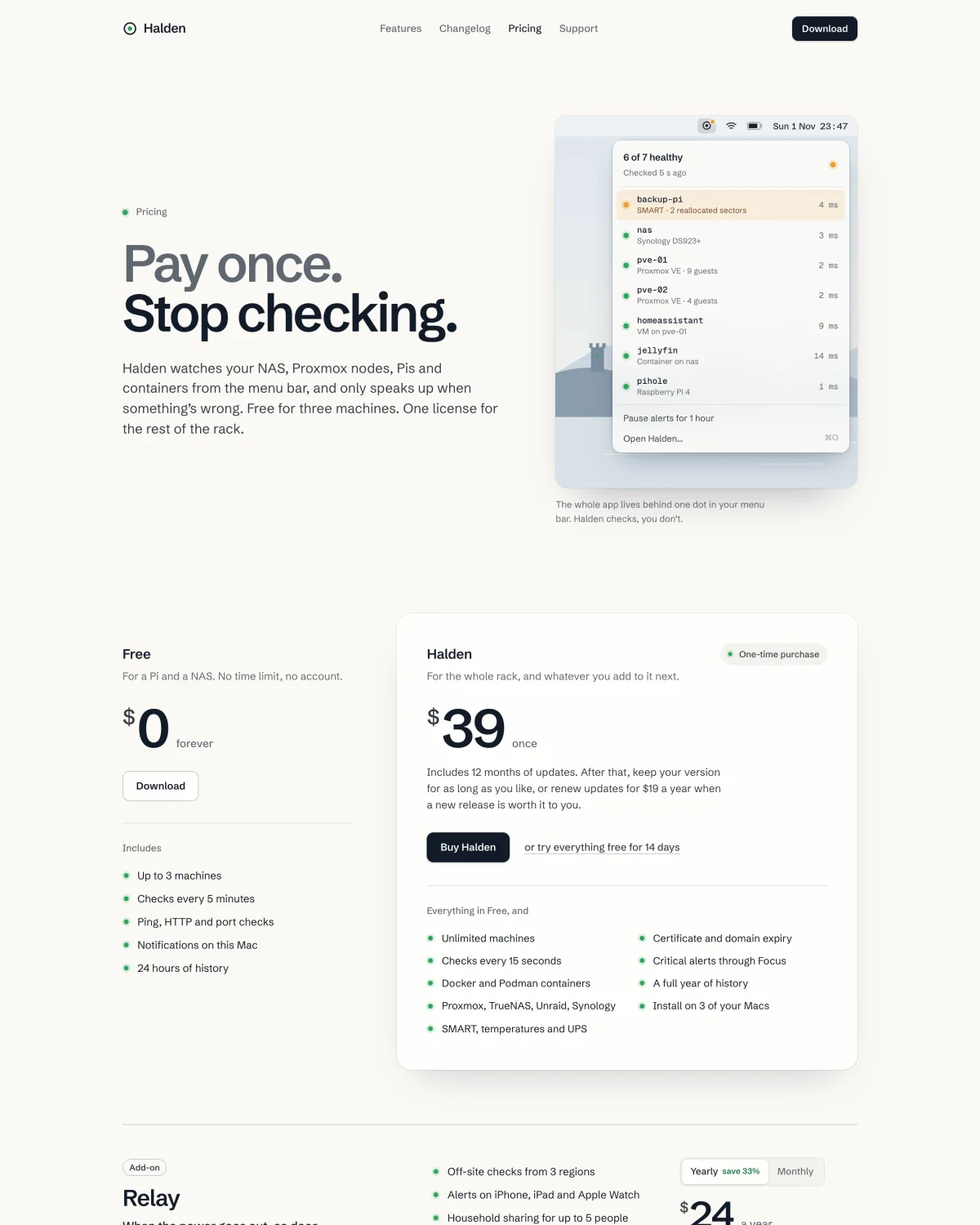
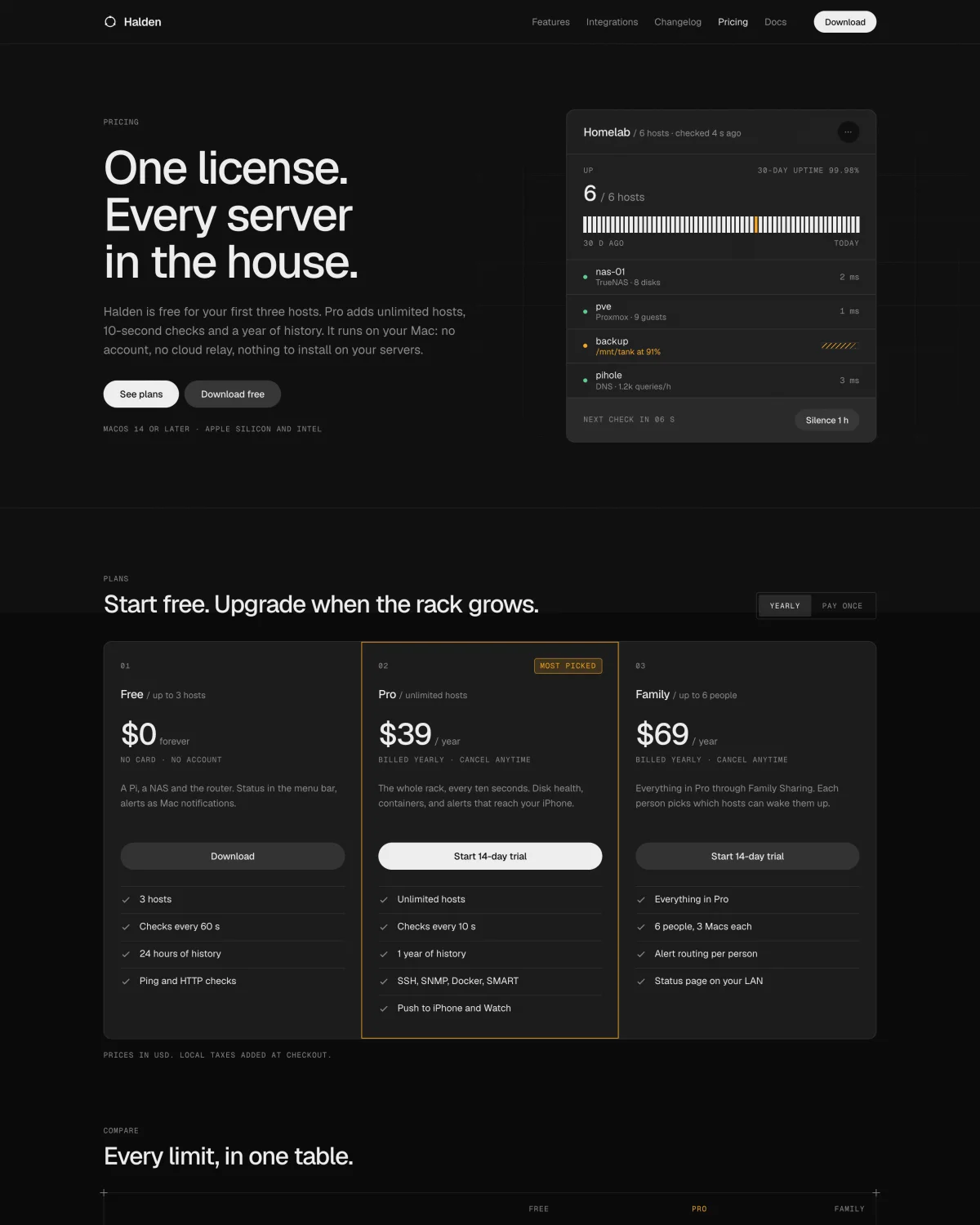
3Same prompt, built from the brief
Save, connect, brief, build.
A collection is simply images kept together in Teserra. Four of them are enough to start.
- 1
Save
Option-click four sites you like (free browser extension), or drop in screenshots you already have. Put them in one collection.
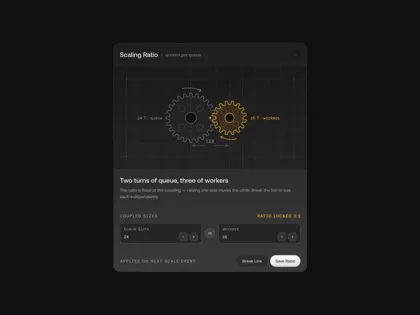
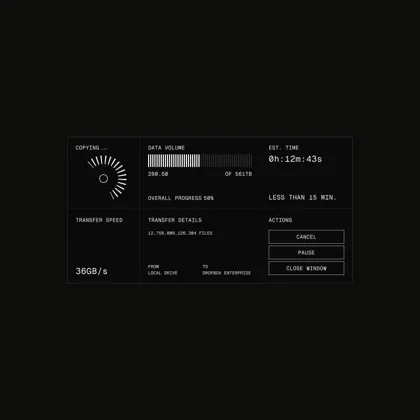
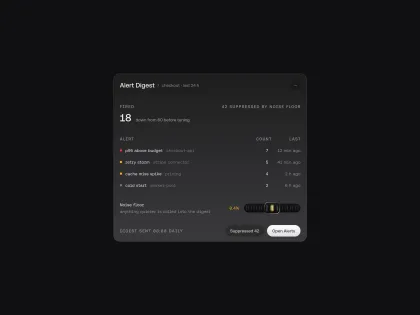
Four of the 186 pictures in the Dark Futurism collection. They belong to their authors: write to [email protected] to have one removed. - 2
Connect
In Teserra, open Settings, Add-ons, Agent access and switch it on, then Allow changes so your coding tool can save the brief. Copy the line the app gives you, with your token in it, and run it once.
Cursor, Codex and other tools take the same server in their MCP settings: setup in the docs.
$ claude mcp add --transport http teserra http://127.0.0.1:8788/mcp --header "Authorization: Bearer <your token>"The app's Copy puts your token in place of <your token>.
- 3
Brief
Run the ready-made taste command on the collection. Your coding tool looks at the pictures and writes their style brief next to them: colours with hex codes and proportions, type, layout, what to avoid. It is a plain text file you can read and edit.
One word per argument: write Dark_Futurism for Dark Futurism. More commands
> /mcp__teserra__taste Dark_FuturismReads the collection with contact_sheet, constellation and get_image, then saves the brief with save_taste.
- 4
Build
Run use_taste, then ask for what you need. Your coding tool turns the brief into design tokens in your project's own format (CSS variables, a Tailwind theme, SwiftUI constants), follows its Avoid list, and tells you which tokens it set and where.
> /mcp__teserra__use_taste Dark_Futurism
> Make the pricing page for Halden, a Mac app that watches your home servers. Minimal, modern, premium.
⏺ Tokens set as CSS variables in tokens.css (:root, dark only): colour (backgrounds #0B0B0B / #1A1D24, surfaces #1C1C1C / #262626, … amber #F5A524 as the only accent with a 16% fill …), type, spacing, shape, texture and motion, all taken from the written taste and the Dark Futurism pictures.
The reply that built panel 3, shortened where you see “…”.
Before you connect it.
Why not paste screenshots into the chat?
You can, every time. The brief is written once, saved next to the collection and used again by the next project, in any of your tools. And your coding tool can search your whole library for more references while it works, instead of the three you remembered to paste.
Does it follow my existing design system?
Not yet. Teserra writes a style from references: what a set of pictures has in common, in words and values. It does not read or sync a design system you already have in Figma or in code. If yours lives as screenshots, a collection of them gives your coding tool a brief to start from.
Does Teserra make the page, or images?
No. Your coding tool writes the code, with its own model and on your own plan. Teserra keeps the pictures, the brief and what you wrote about them, and hands them over when the tool asks.
Which tools work with it?
Any coding tool that connects to an MCP server over HTTP. Claude Code is the one we use every day, and the app gives you its line. Cursor, Codex and Zed take the same server in their MCP settings; we have not tested each of them yet. The ready-made commands, like /mcp__teserra__taste, are Claude Code's: in the other tools, ask in your own words. Setup for each tool
What leaves my Mac?
The server listens on your Mac only, and only while Agent access is on. What your coding tool reads goes to its own model, the way anything you paste into it does. Without Allow changes, it can only read.
What your coding tool can call.
Reading is on as soon as Agent access is. Changes need Allow changes, and every one can be undone with ⌘Z in Teserra. No tool can delete an item.
Read 11 tools
library_overviewcounts, collections, tagslist_collectionswith the ones that have a brieflist_tagsmost used firstlist_itemsthe items of a collection or a tagget_itemone item's full recordget_imagethe picture itselfcontact_sheetup to 30 numbered thumbnailssearchby describing, on your Macsimilar_itemsvisual lookalikesconstellationthe others with the same colours and moodget_tastethe style brief of a collection
Change, with Allow changes 11 tools
set_tagsrename_tagmerge_tagsadd_to_collectionremove_from_collectioncreate_collectionset_title_descriptionset_ratingimport_urlsave_readingssave_taste
Ready-made commands in Claude Code 4
/mcp__teserra__tastewrites the style brief of a collection/mcp__teserra__use_tastebuilds the work in progress from it/mcp__teserra__catalogdescribes and tags the pictures that have no description yet/mcp__teserra__constellationfinds what belongs with a few picks or an idea
The library works on its own too: search by describing, plain folders, $29 once, no account.
14-day free trial, then $29 once · Apple silicon, macOS 12+