FEATURES
Everything a visual library owes you.
Collection, cataloging, retrieval, viewing, and now your agents. All of it native, all of it local, all of it in one payment.
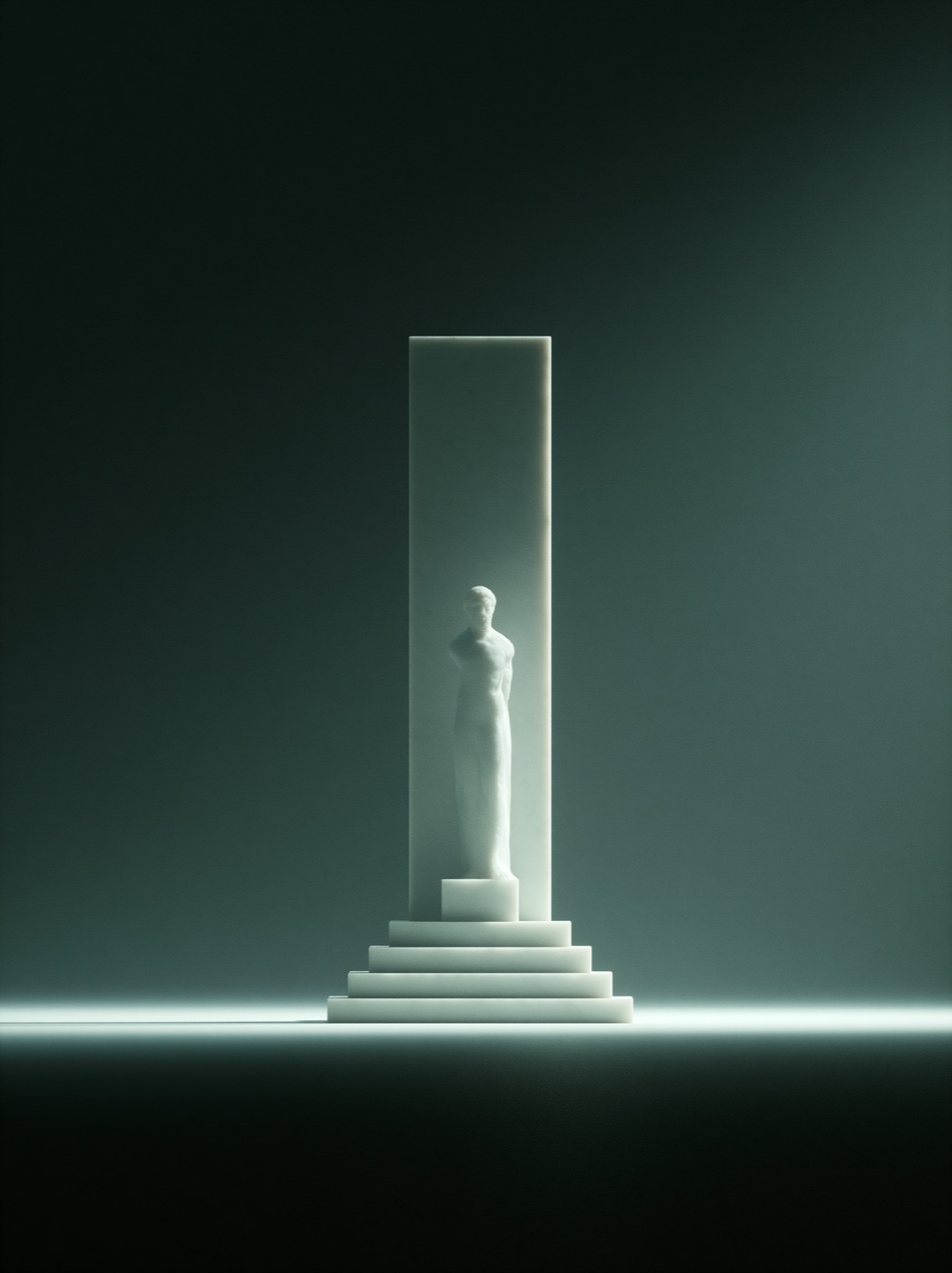
Collection, cataloging, retrieval, viewing, and now your agents. All of it native, all of it local, all of it in one payment.
A vault is a folder on your Mac, like an Obsidian vault. Open it in the Finder and your images are right there, as files. Next to each one, a small text note keeps what you decided: title, tags, stars, collections. No database swallows your work. Delete the app and everything is still yours.
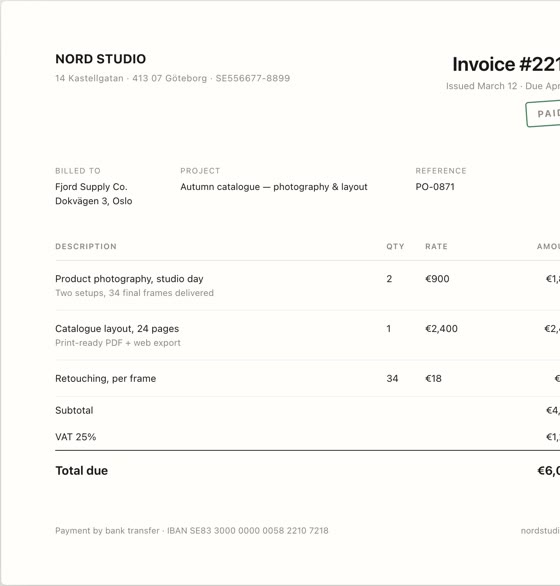
Not just photos. Fonts render as specimens, videos play, vectors stay sharp, pages become cards. Each format gets a real preview and the right tools.
 WEBP
WEBP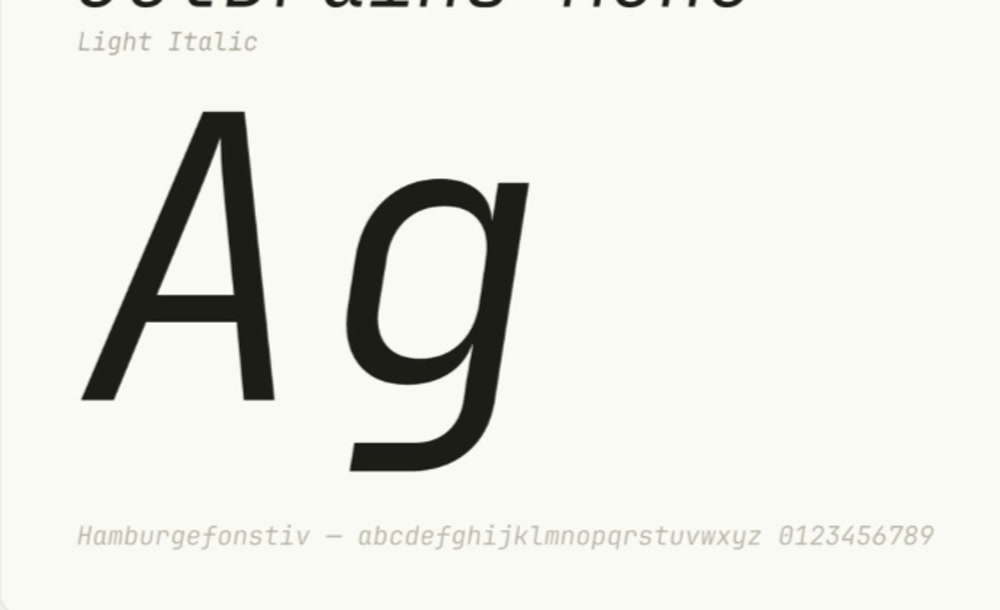 TTF
TTF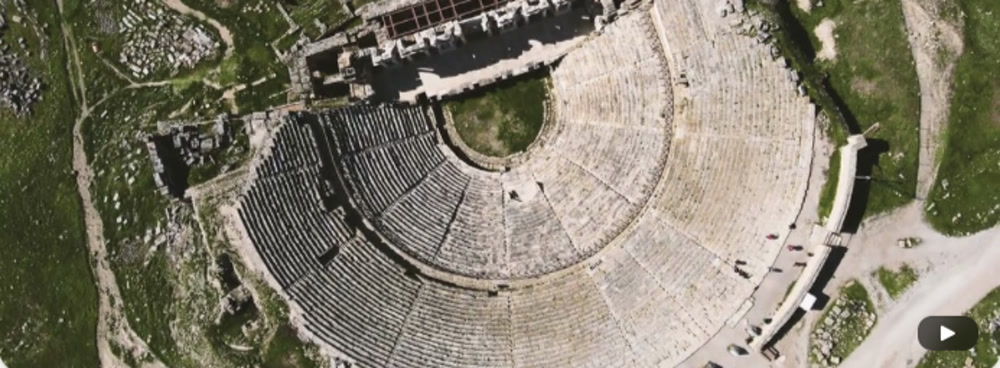 MP40:12
 PDF
PDF PNG
PNG SVG
SVG LINKstephango.comFile over app
 2 MIN
2 MIN HEIC
HEICThumbnails, palette, EXIF from your camera or iPhone, the text inside read by OCR. GIF and WEBP animate on hover.
JPG · PNG · WEBP · HEIC · AVIF · GIF · TIFF · BMPEvery font file becomes a composed specimen with name, style, weight and glyph count.
TTF · OTF · TTC · OTCA poster frame and a duration in the grid, a player in the lightbox. Tweet videos saved as MP4.
MP4 · MOV · M4V · WEBM · MKV · AVIVectors zoom without a blur. PDFs show their first page next to the images they belong with.
SVG · PDFOne shortcut, an area or a window, straight into the vault, titled by the Curator, searchable by the words inside.
⌘⇧M · AREA · WINDOW · SCREENLinks as cards with a live Peek, articles as clean offline text, any image in one right click.
LINKS · ARTICLES · X THREADS · IMAGESSame library, three rooms. Switch from the toolbar or the keyboard, the selection follows you.


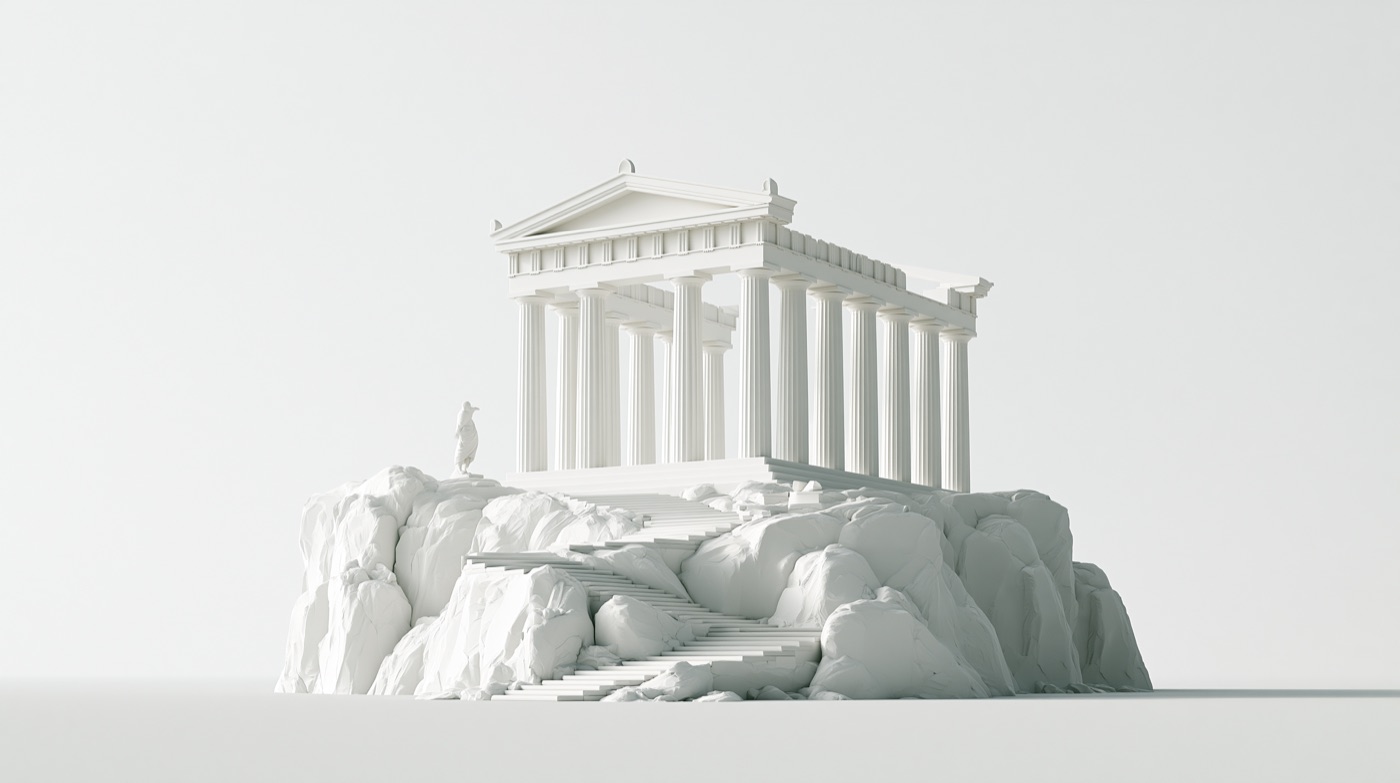
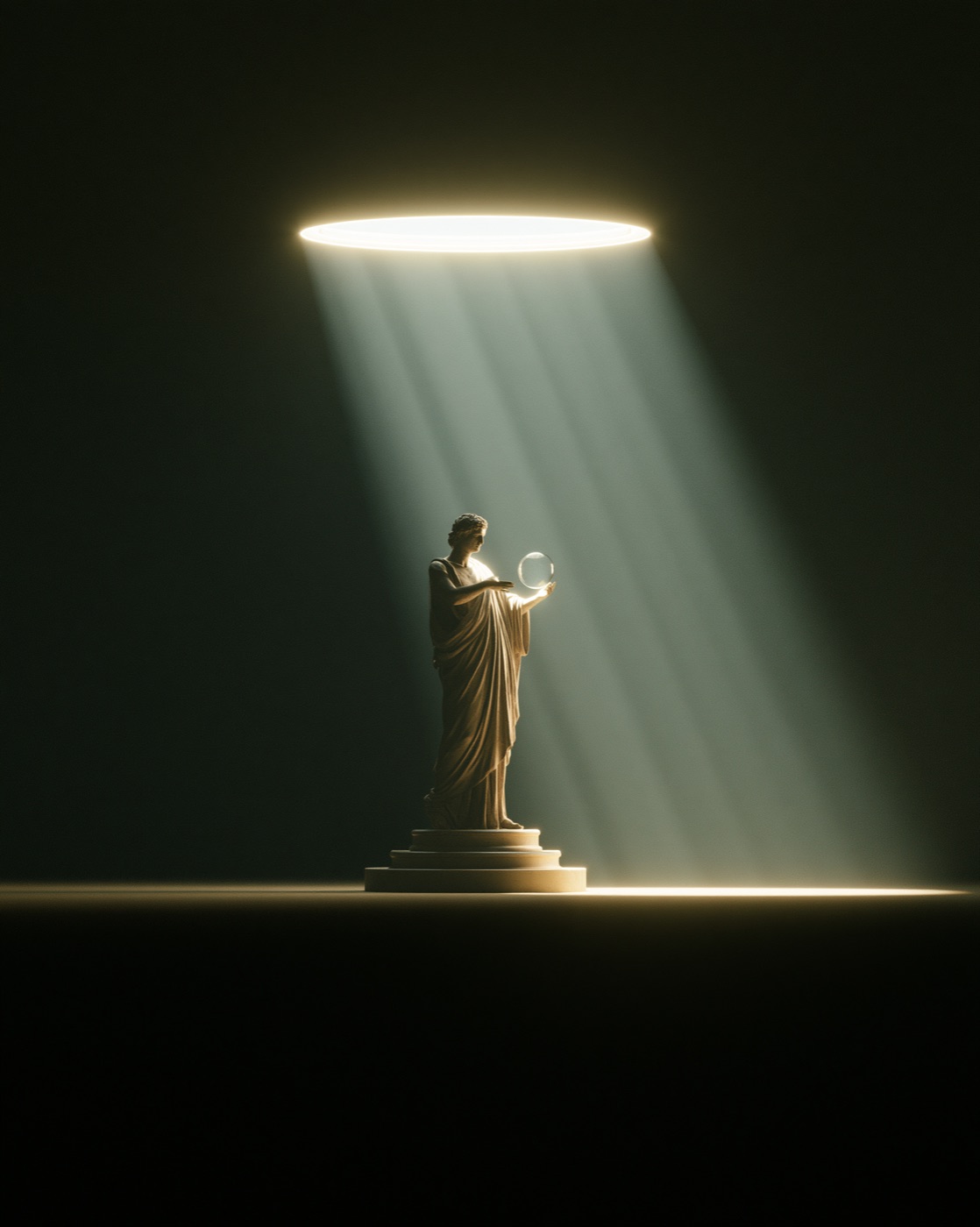
The masonry wall. Thousands of items, one slider for size, filters on top. The place you work.
+9Your library by day and hour, sessions stacked, a rail of months. What did I collect that Sunday?
Walk along a curved track, a cartel under each piece. Scroll to stroll, Enter to open, R for a random pick.
Teserra runs a small MCP server on your Mac. Claude Code, Raycast or Cursor can look at your collections, pull contact sheets, search by meaning and, if you let them, tidy tags. The models stay local, the images stay home, and every change is one undo away.
+25 Thirty pieces, one language:
I can write this up as the brief’s art direction, and tag the set #sage-void #single-material so you can find it again.
Ask what a collection has in common and get the principles written down: palette, light, gesture. Paste them into the project you are starting.
While Cursor builds a screen or Claude drafts a deck, it can search your library by meaning and bring back the three images that fit, from your own vault, not a stock site.
Merge duplicate tags, file captures into the right collections, rename what the Curator got wrong. Behind an explicit “Allow changes”, all of it undoable.
Everything below ships in the $29 purchase and works today, in v1.2.0.
Drag it, paste it, capture it, clip it. Six doors, one vault.
From Finder or any app. Dropped into an open collection, it joins that collection. Duplicates are caught by content hash.
Area, window or screen, straight into the vault. A quick-actions card follows: copy, add to a collection.
Last capture, recent captures, open, settings and updates from the menu bar icon.
An image, a file or a URL. A URL becomes an image, a link card or an article, decided for you, one tap to switch.
Folders, tags, notes, palettes and dates from an Eagle library, rebuilt as a plain-folder vault.
Save as image, link or article from any tab, with tags and a collection. Right click any image to send it.
Messy filenames in, a titled and tagged library out.
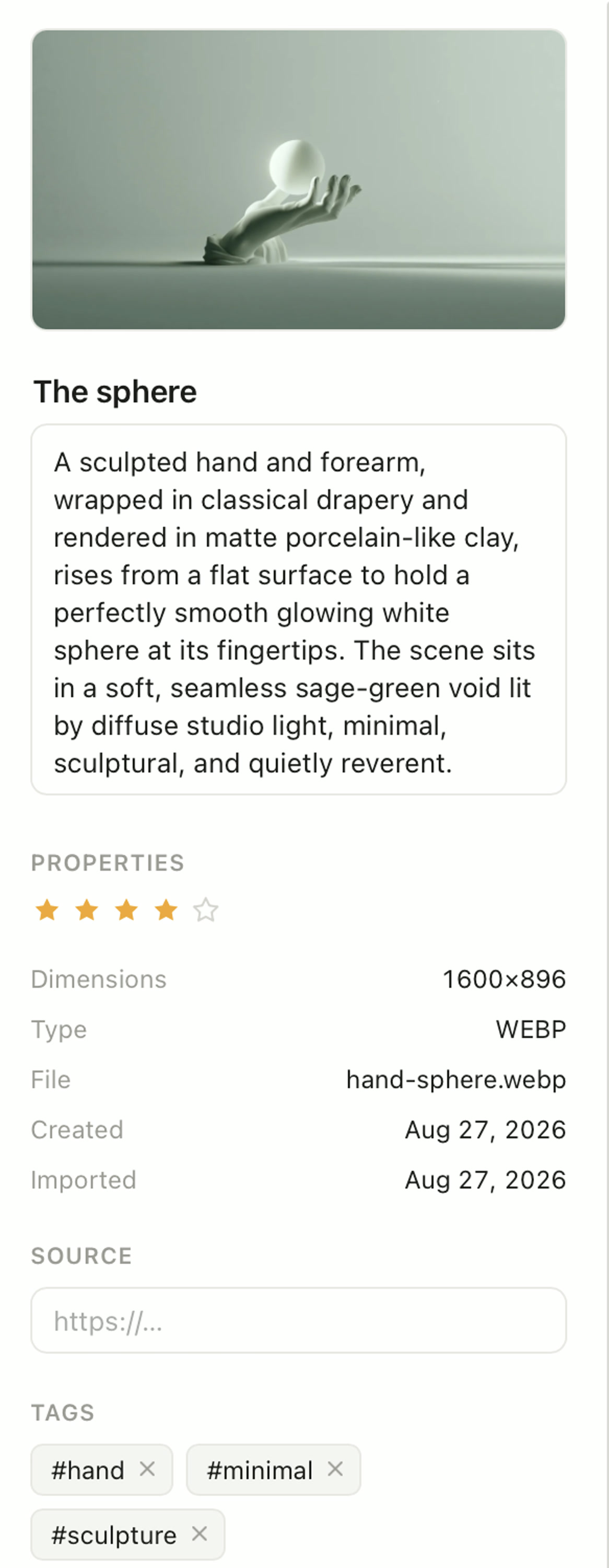
Title, description, tags, category and OCR for every import, capture and clip. Your own AI key, automatic or on demand from the Curator desk.
Nested, drag and drop, with icons and colors. One item can live in several.
Autocompleted tags, one to five stars, all editable from the inspector or the context menu.
Fifty steps of undo across tags, collections, titles, ratings and the trash. Deleting is reversible.
Every way you remember an image is a way to find it.
Describe what you remember. A small model indexes every image on your Mac, nothing leaves it, no key, no meter.
Any image surfaces its visual siblings across the whole library.
Filenames, titles, descriptions, the words inside screenshots, the body of saved articles.
Color by palette proximity, rating, type, date, site. Sort by any field, both ways.
Grid, Journal, Wall and a lightbox, all native.
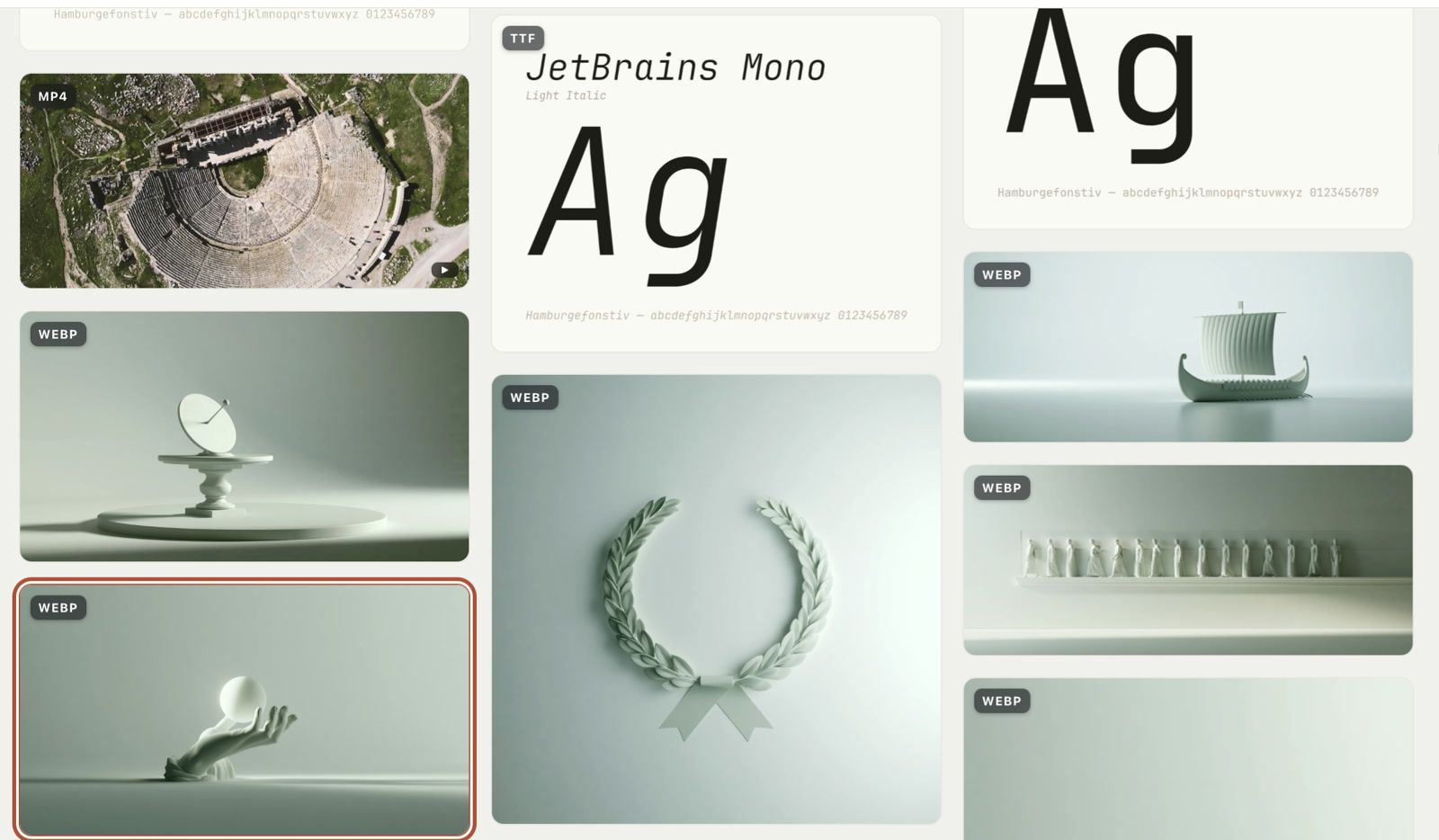
Virtualized, so ten thousand items scroll like a hundred. A slider for thumbnail size, GIFs play on hover.
Edge to edge, pinch and wheel zoom, minimap, arrows, fullscreen. Copy the image with ⌘C.
A reference in its own window above any app. As many as you need.
Your library by day and hour, sessions stacked, a rail of months.
Walk along your collection on a curved track, a cartel under each piece. A random pick on R.
TTF and OTF as composed specimens with weight and glyph count. Real previews, duration badges, vectors that zoom sharp.
Pages as cards, articles as text, kept offline.
Pages saved as cards with a preview and site metadata. Peek opens the live page inside Teserra.
The text of a page, kept as Markdown, read in a clean view offline and searchable. X threads included, tweet videos saved locally.
Saved links are re-checked weekly. Dead ones get a badge and a filter.
Links, Articles, Visual search and Curator are modules. Turning one off hides it, nothing is deleted.
Your library served to Claude Code, Raycast or Cursor, on your Mac.
A local MCP server. Off by default, 127.0.0.1 only, one token to copy.
Overview, collections, tags, items, images, contact sheets, search and similar items.
Behind an explicit “Allow changes”: tags, collections, titles, ratings, imports. Every agent action lands in your undo stack.
The last two hundred calls, visible in Settings, so you always know what an agent did.
No account, no upload, no meter. Signed, notarized, yours.
No account. If the license server is unreachable, the app still works.
Visual search and Find Similar run on your Mac. The Curator only talks to the AI provider you configured, with your key.
Counts only, never content, and a single switch turns them off.
Apple Developer ID, in-app updates with release notes. One purchase, three Macs, every update of the current major version.
Almost everything in Teserra has a key. Move, look, rate, capture, export, without reaching for the mouse. The full list lives in Settings → Shortcuts.